
Guide to Roll Out Digital Business Cards for Teams
Digital business cards for teams have shifted from being a novelty to a vital tool for companies aiming to modernize how they make and maintain connections. As businesses seek faster contact exchange, stronger brand presence at every interaction, and measurable networking outcomes, the traditional printed business card is no longer enough.
Data show that digital business card usage among businesses has grown to about 37%, up sharply from minimal use before the pandemic, and is projected to expand further as organizations adopt digital networking tools to drive efficiency and sustainability.
This trend reflects a wider shift toward digitized professional identification that gives teams greater agility in building relationships while supporting measurable business outcomes.
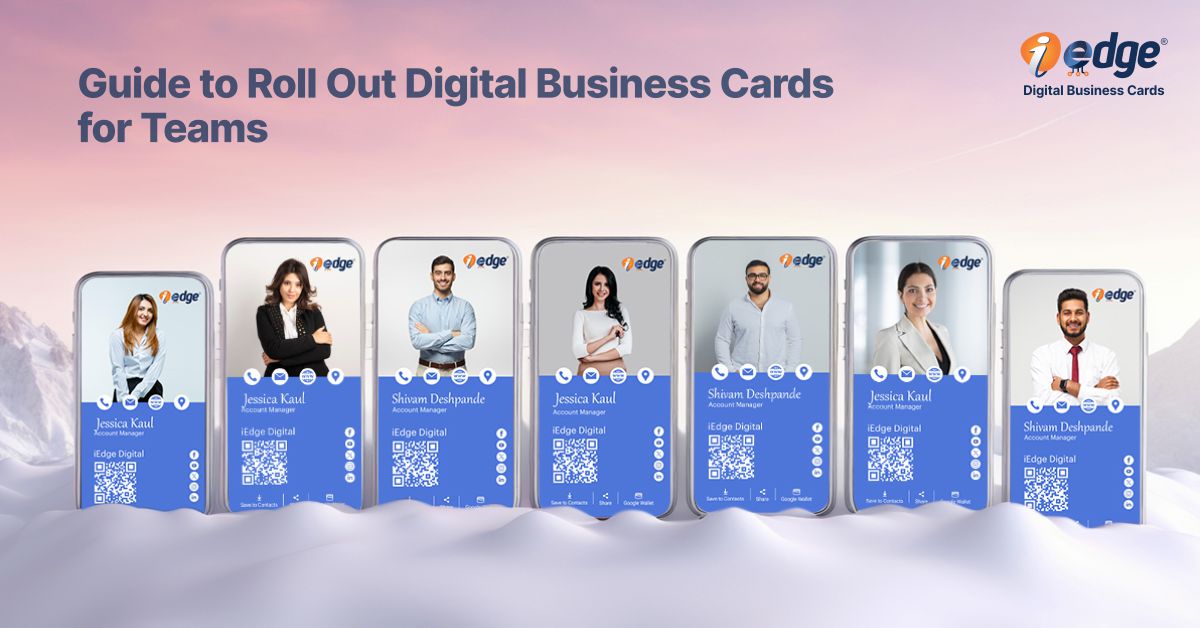
Rollout of a unified digital business cards for teams program empowers your people to represent your brand consistently, capture leads efficiently, and integrate contact data with business systems you already use.
This blog will let you know how and why you should implement this transformation successfully.
Know how digital business cards help consultants, finance, and legal advisors.
Why It is Important for Teams?
Implementing digital business cards for teams is not just a tech upgrade. It impacts productivity, brand coherence, lead generation, and contact management across your organization. In my decade in this space, I have seen teams go from scattered contact sharing to highly effective workflows once they adopt a standard digital identity approach.
Here’s why it matters:
1. Faster and Modern Networking
Digital cards cut contact exchange time dramatically compared to printing and manually entering details. Sharing can happen in a few seconds via QR code, link, or tap to device.


2. Better Contact Data Quality
Manual input from paper cards often results in errors or lost information. Digital cards eliminate manual transcription and improve CRM data quality.
3. Unified Brand Presence
Every team member reflects your brand identity consistently, with the same logo, messaging, and design elements.
Find out which one is better, NFC or QR code business cards.


4. Lead Capture and Tracking
With analytics and CRM integration, teams can capture leads during events and meetings, tag them correctly, and follow up quickly.
5. Cost and Environmental Benefits
By reducing reliance on printing, companies cut recurring costs and reduce paper waste, a key priority for many business decision-makers.


6. Competitive Advantage
Forward-thinking companies that equip their people with modern professional tools are perceived as more innovative, especially by tech-savvy partners and customers.
Useful Features of Digital Business Cards for Teams
To fully appreciate the value of digital business cards across your organization, it helps to understand the features that make them powerful for teams.
Branding Capabilities
One of the biggest advantages of digital cards is that you can embed your brand into every card. You control logos, colors, fonts, taglines, value propositions, and visual elements so that every team member projects a professional and consistent brand identity. This unified look boosts recognition and trust with prospects.
Understand the digital business card features for your brand.


Sharing Methods
Digital business cards provide versatile sharing options. Your team can share cards by:
- QR codes
- Direct URLs
- Tap-to-phone (NFC)
- Email signatures
- Social profiles
These options give your team flexibility in person, during virtual meetings, at events, or through digital communications.
Customization
Beyond brand elements, customize individual cards with role-specific details, regional contact numbers, social links, and call to action. You can adapt cards to the context: for example, different designs for sales, leadership, or support teams.


CRM Integration
Top platforms allow a smooth connection to your CRM. This means every shared card that leads to a new contact can automatically create or update a record in your CRM system. It eliminates manual follow-up tasks and keeps your sales pipeline fresh with accurate, real-time data.
Customization
Beyond brand elements, customize individual cards with role-specific details, regional contact numbers, social links, and call to action. You can adapt cards to the context: for example, different designs for sales, leadership, or support teams.

Analytics
Analytics give you visibility into how cards are shared and engaged with. You can see which team members share the most, which cards generate clicks, and which contacts convert to business opportunities. Data like this empowers leadership to refine outreach strategies and track ROI from networking activities.
Discover how a realtor business card helps in agent onboarding in real estate.
Team Management
With centralized team management, you can:
- Bulk create and assign cards
- Approve designs
- Propagate updates across all cards
- Manage roles and permissions
This administrative control ensures compliance with corporate standards and reduces workload for IT and marketing teams.


Card Capture
Card capture tools let receivers save contact details directly to their phones or CRM. Some solutions even offer business card scanning and enrichment, capturing additional contexts like company, role, and meeting notes.
Integration with Business Tools
The best solutions play well with your existing systems:
- Marketing automation
- Sales engagement tools
- Email platforms
- Event lead capture tools
- Virtual conference systems
This ecosystem integration improves workflow and ensures contacts transition smoothly into nurture sequences or sales outreach.
Learn how AI-powered business cards capture leads.

Security, Compliance, and Privacy
Security features are critical, especially for teams handling sensitive data. Look for:
- Data encryption
- Permission controls
- GDPR and DPDP compliance
- Role-based access
- Secure sharing links
With increasing digital privacy requirements, a compliant digital identity solution protects both your brand and your contacts.
Why iEdge Digital Business Cards for Teams
Selecting the right digital business card solution is critical to your rollout success. From years of vendor evaluation and implementation on behalf of clients, we find that iEdge stands out for teams looking for enterprise-grade capabilities.
Powerful and Customizable
IEdge offers a highly customizable platform that aligns with diverse team roles and industry requirements. It supports deep brand configuration while letting individuals add personal contact details and job-specific links.
Smooth Business Integration
IEdge integrates easily with leading CRM and productivity systems that most businesses already use. This integration allows you to convert networking touchpoints into actionable data without manual import or export.
Robust Analytics
With built-in analytics, iEdge helps you understand engagement trends, track sharing performance, and correlate network activity with business goals. This visibility is key to optimizing team performance over time.
Trusted By Brands
Large enterprises and growth-oriented firms alike trust iEdge for rolling out digital identity strategies. Its enterprise security, controls, and support make it suitable for organizations of all sizes.
How to Implement Digital Business Cards for Teams
Rolling out digital business cards across a team may seem complex at first, but a structured approach makes it manageable and impactful.
Assess Team Needs
Begin by understanding how your team's network is today. Consider:
- How often do they exchange contacts
- Events and channels they use
- Pain points with current methods (e.g paper cards, manual follow-ups)
- Tools they already use
This assessment helps you map requirements and priorities.
Select the Right Digital Business Card
Use your needs assessment to evaluate providers against criteria like:
- Branding flexibility
- CRM and tool integrations
- Analytics depth
- Security and privacy
- Pricing model
Involve key stakeholders from marketing, sales, and IT in the selection to make sure the solution fits cross-functional needs.
Know the top 5 digital business cards for students.
Design and Customize Cards for Team
Work with your branding team to design card templates for different roles. Keep visuals clear and consistent. Create guidelines for what individual team members can edit versus what stays corporate.
Integration with Existing Business System
Connect your digital business card solution with your CRM, marketing, and contact management systems. Set up automation workflows to handle new contacts from card interactions. Test these integrations thoroughly before widespread deployment.
Roll Out and Onboard Team
During rollout:
- Provide training sessions (live or recorded)
- Share best practice guides
- Clarify sharing methods and etiquettes
- Offer helpdesk support
Encourage team members to adopt the tool and share their cards in actual networking scenarios.
Monitor Usage and Optimize
After rollout, track adoption metrics:
- How often are they shared
- Engagement rates
- New contacts captured
- CRM entries created
Use analytics to refine designs, sharing practices, and internal campaigns to increase usage and impact.
Understand the importance of professional networking in the corporate world.
Conclusion
Implementing digital business cards for teams is a strategic move that improves networking, branding, and lead capture while reducing dependency on printed material. In my professional experience, teams that adopt digital identity solutions experience better contact quality, faster conversion cycles, and stronger brand alignment.
With the right approach, companies can transform routine networking into a measurable business advantage. If you are exploring modern professional identity tools, rolling out team business cards digitally is not just progressive; it is a necessity for companies serious about relationships, growth, and efficiency in the modern business world.
FAQs
Digital business cards for teams are centrally managed digital identities assigned to employees for sharing professional contact details. In a corporate setup, you create branded card templates, assign them to team members, and control updates from one dashboard.
Cards are shared via QR codes, links, or NFC. Contact data is captured instantly and can sync with business systems, making team business cards practical for sales, leadership, and client-facing roles.
Yes, digital business cards for teams work well for both startups and enterprises. Startups benefit from faster networking and cost control, while large organizations gain governance, analytics, and brand consistency. Business team cards scale easily, support role-based access, and adapt to growing teams. This flexibility makes them one of the best business card options for companies at any growth stage.
In most cases, yes. Business team cards can fully replace printed cards for meetings, events, and digital interactions. They offer faster sharing, real-time updates, and better contact accuracy. Many companies still keep limited printed cards for legacy use, but the best business cards today are digital because they reduce waste, cut recurring costs, and improve follow-up effectiveness.
When evaluating the best business cards for teams, you should look for strong branding controls, multiple sharing methods, CRM integration, analytics, and team management. Business team cards should also support customization by role, secure access, and integration with existing tools.
These features help companies manage digital identity at scale and drive measurable outcomes from networking.
Yes, business team cards can track engagement such as card views, link clicks, and sharing activity. Analytics help you understand how digital business cards for teams perform across departments.
You can identify high-performing cards, active users, and lead sources. This data supports smarter decisions and helps position digital cards among the best business cards for modern organizations.